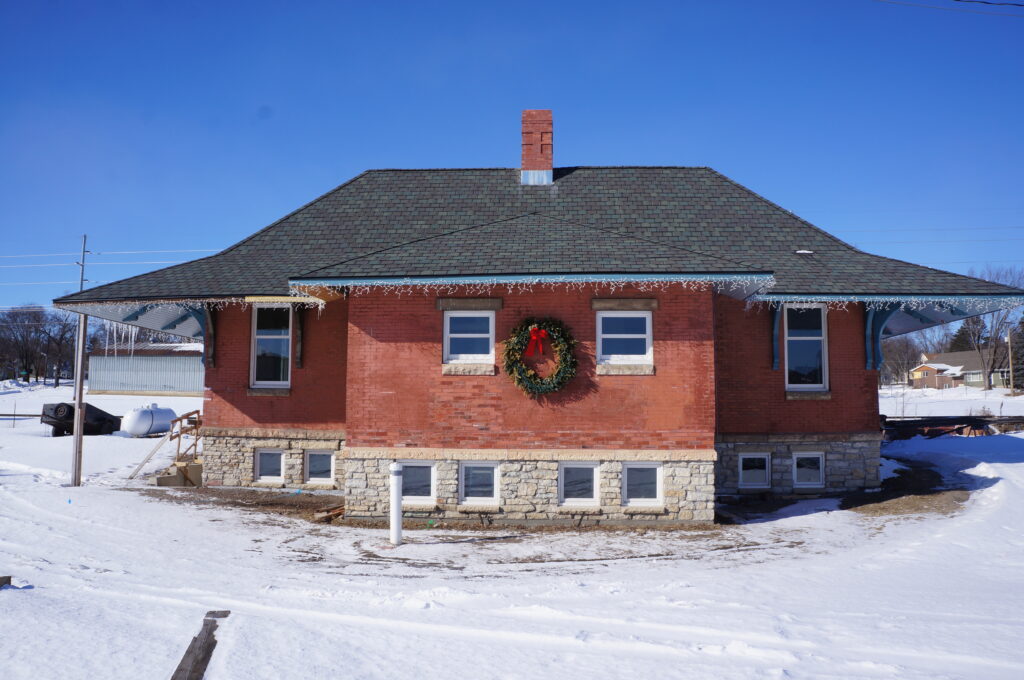
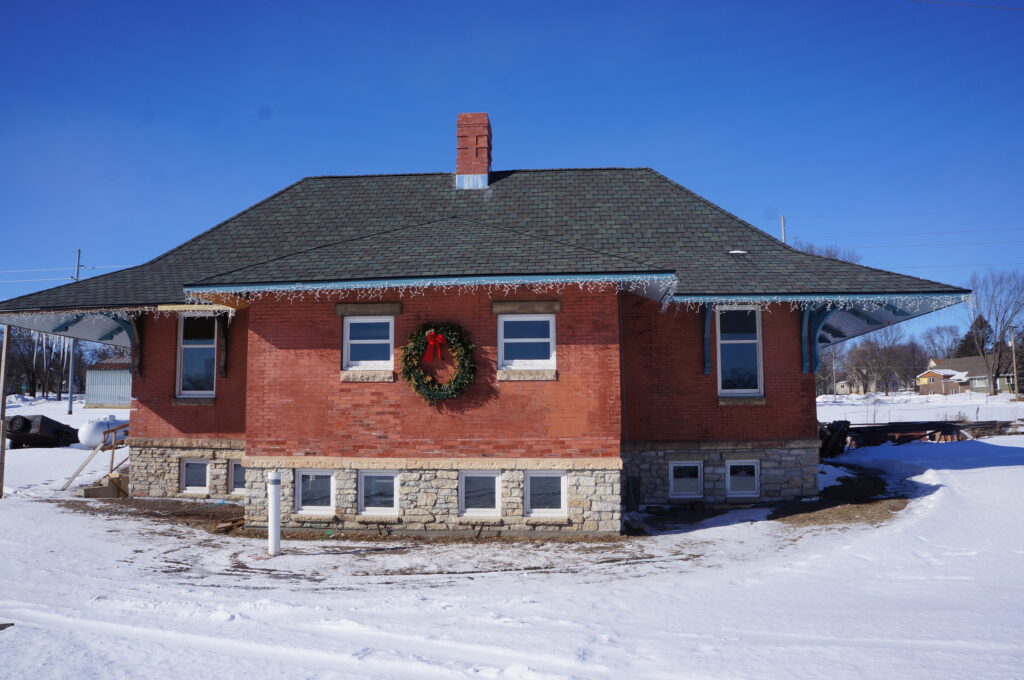
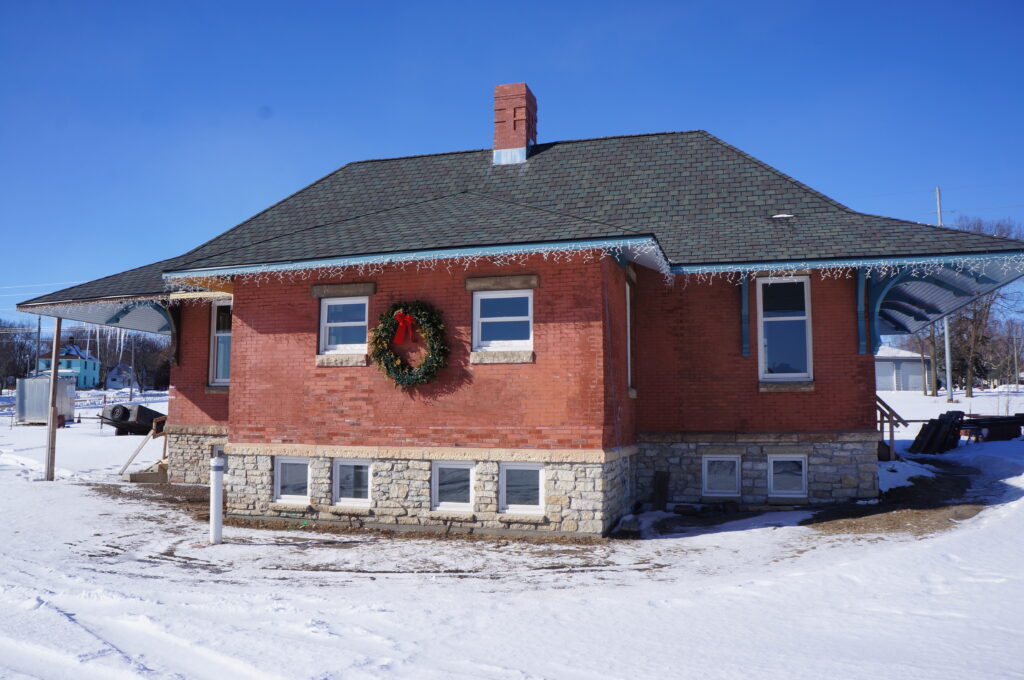
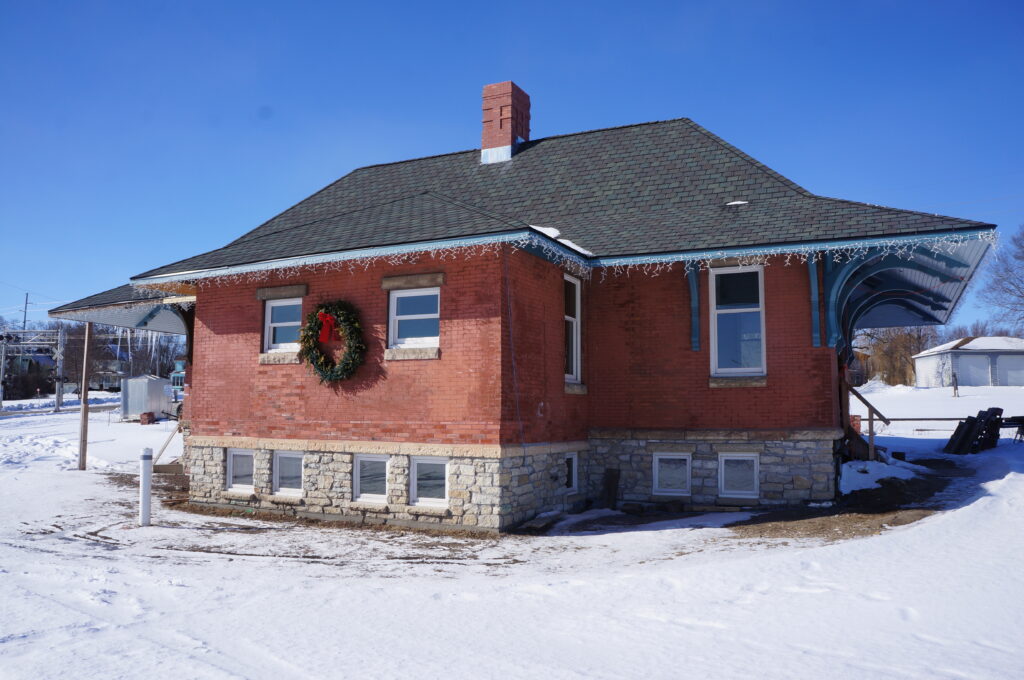
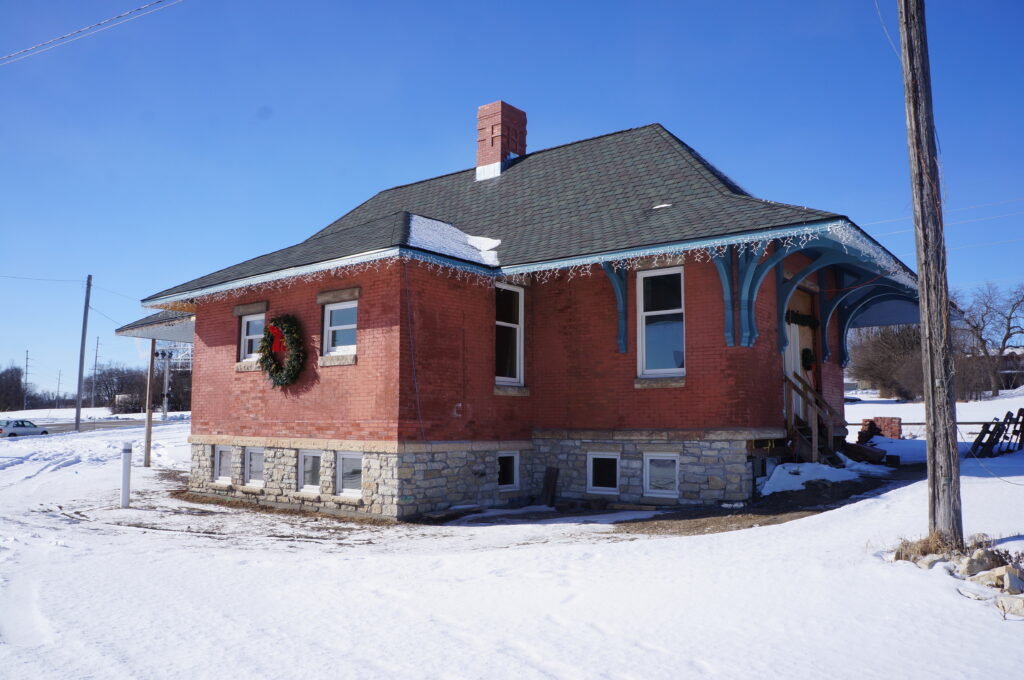
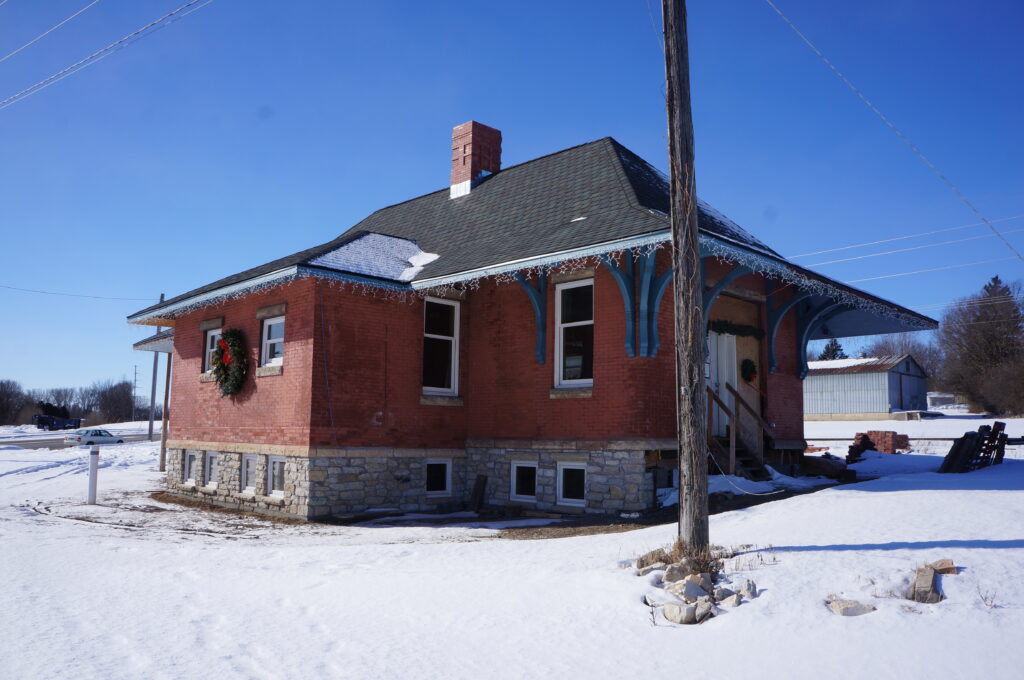
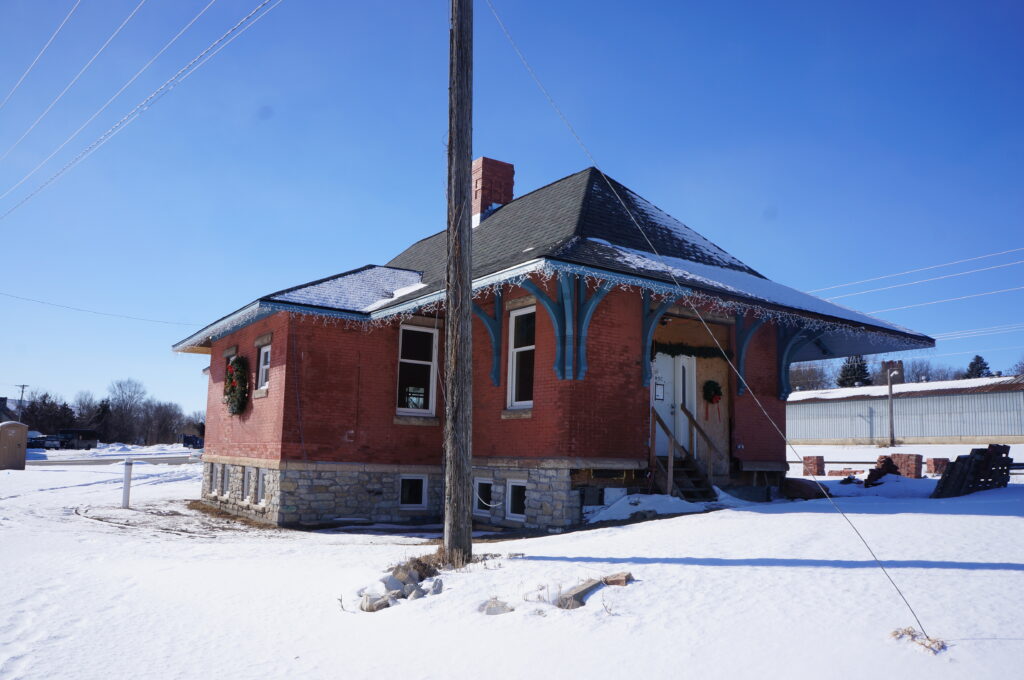
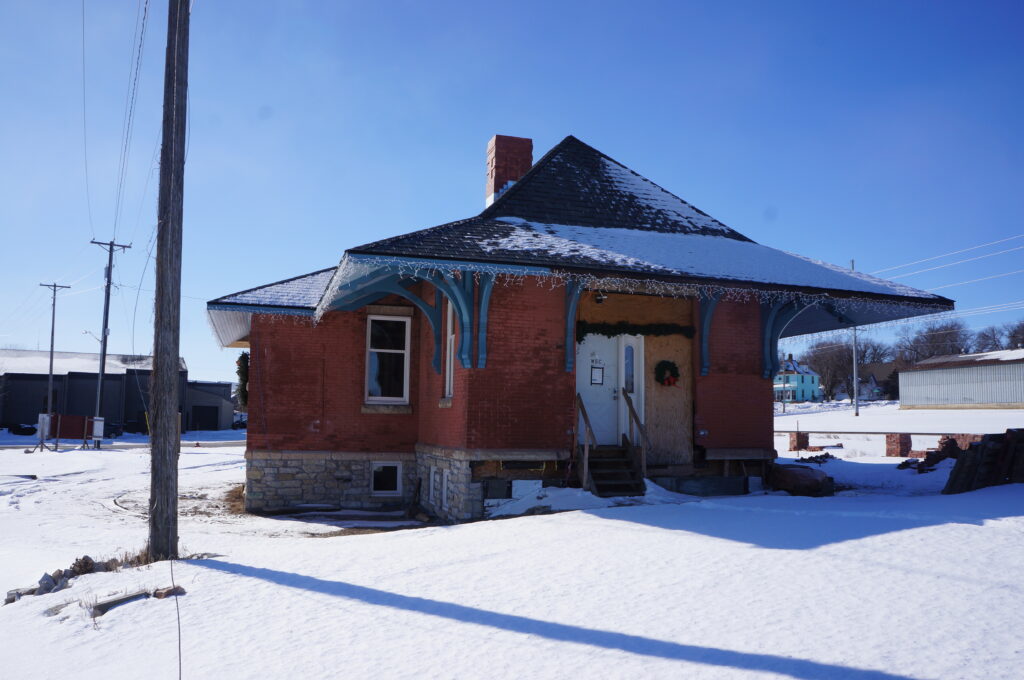
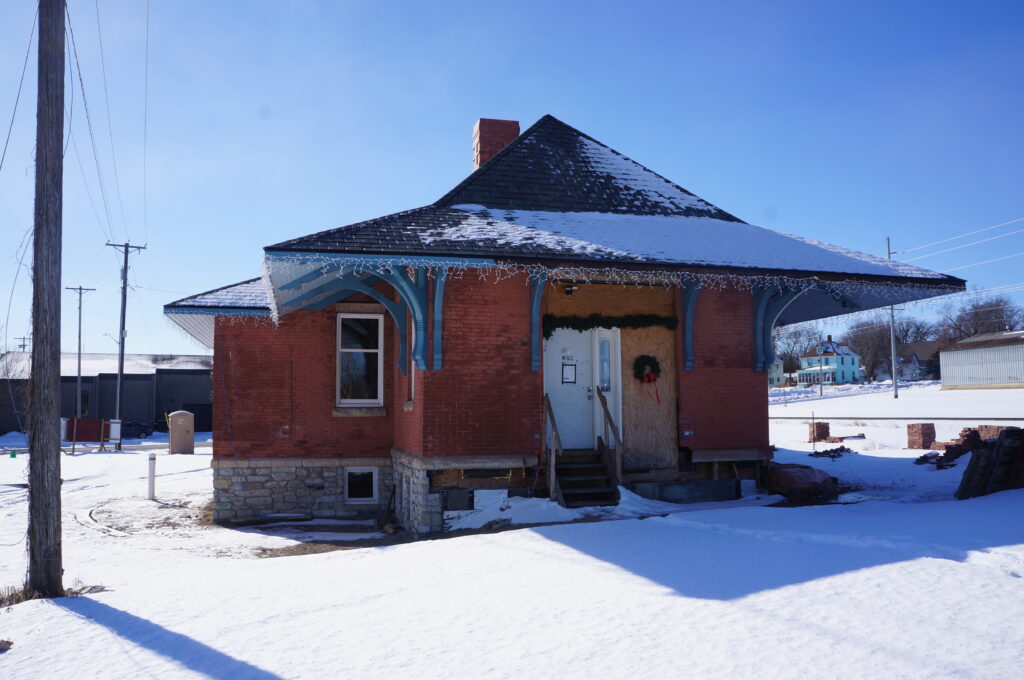
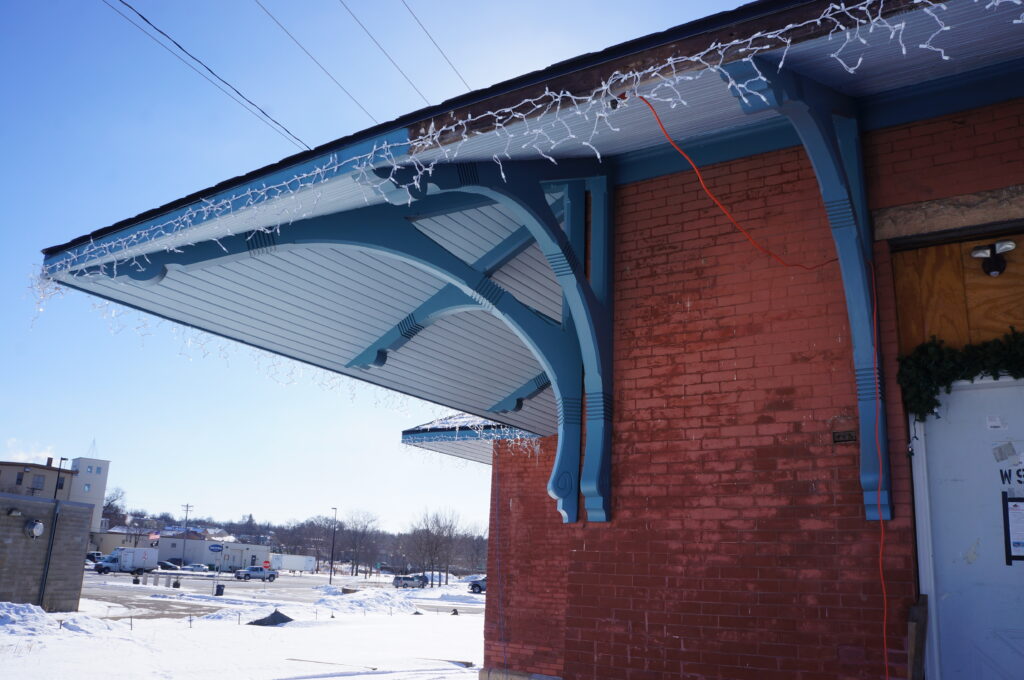
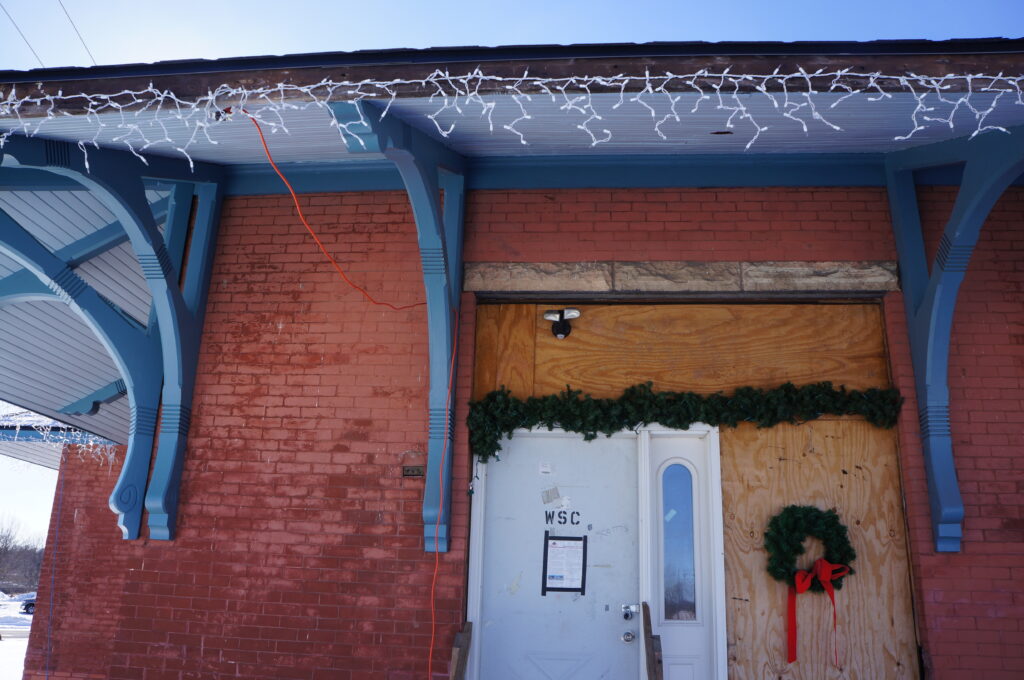
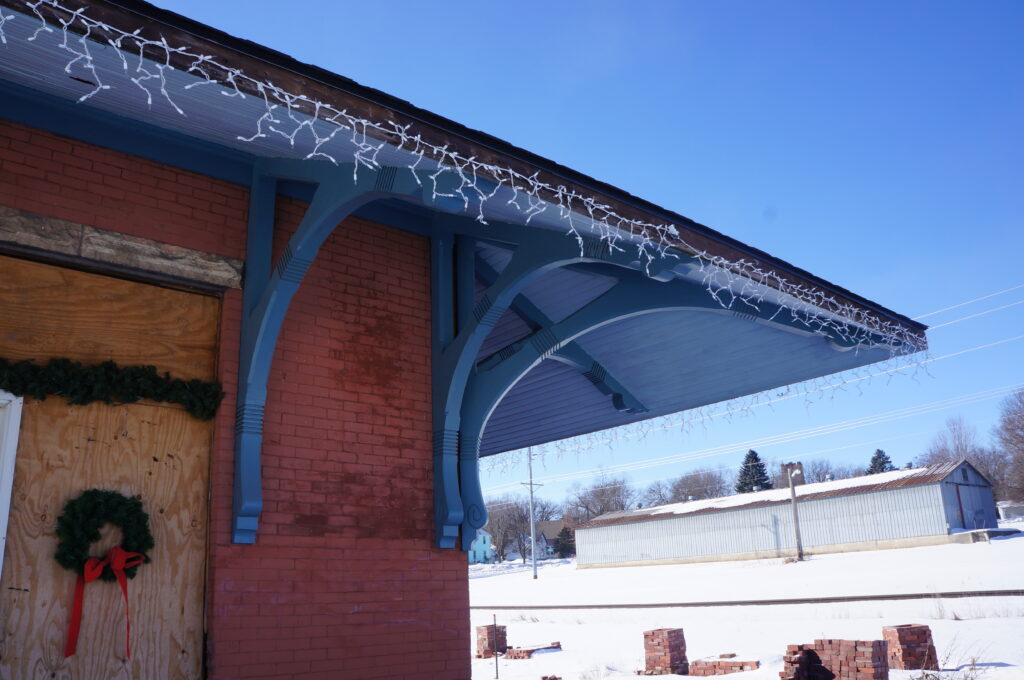
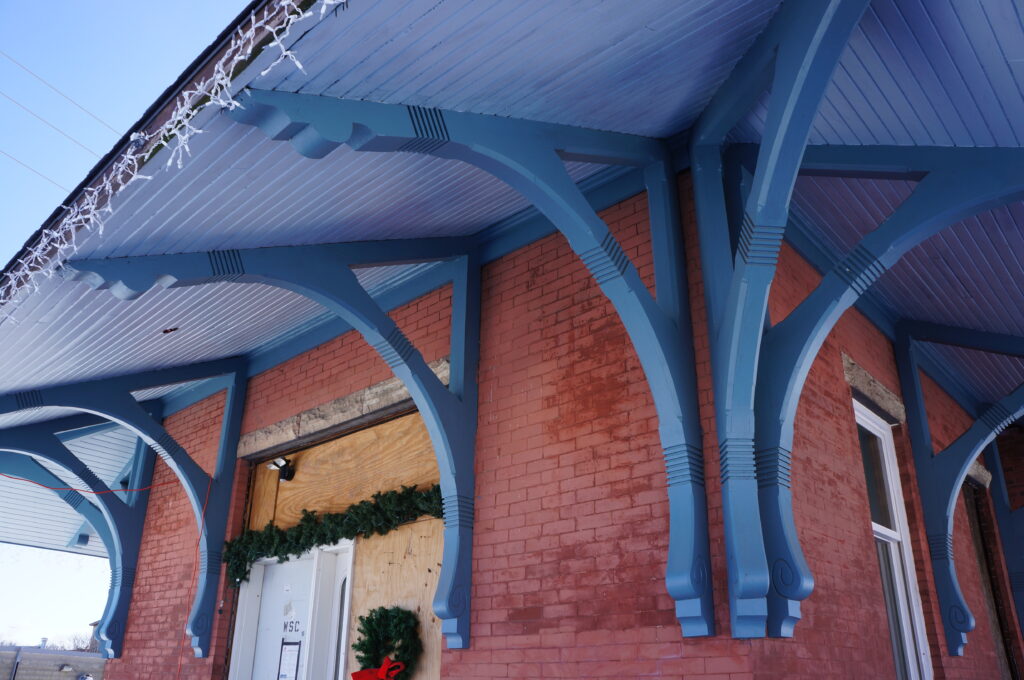
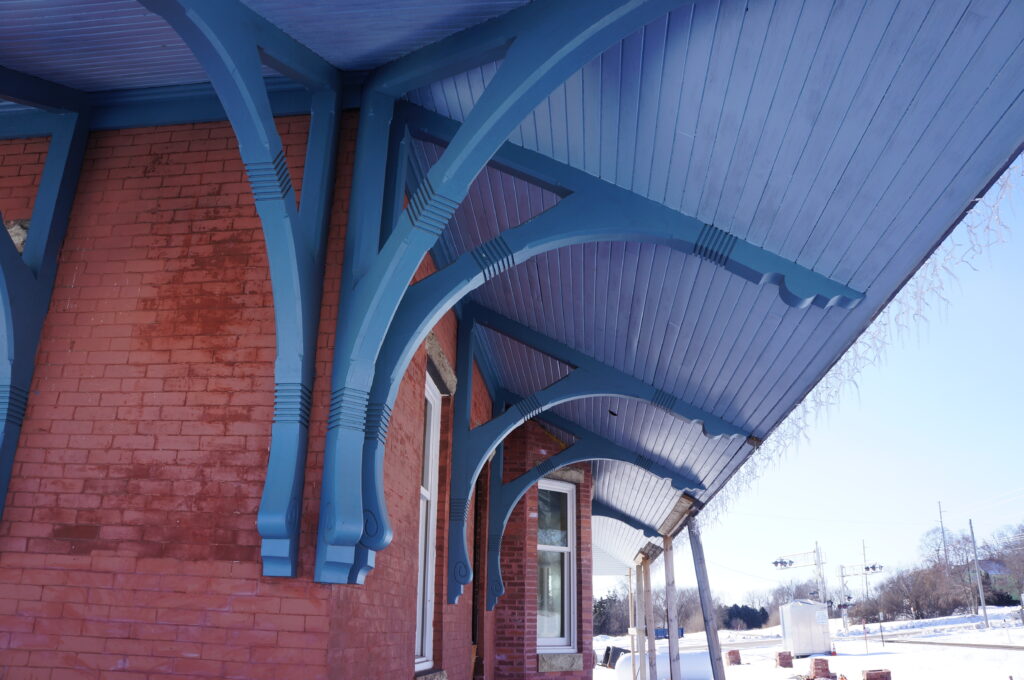
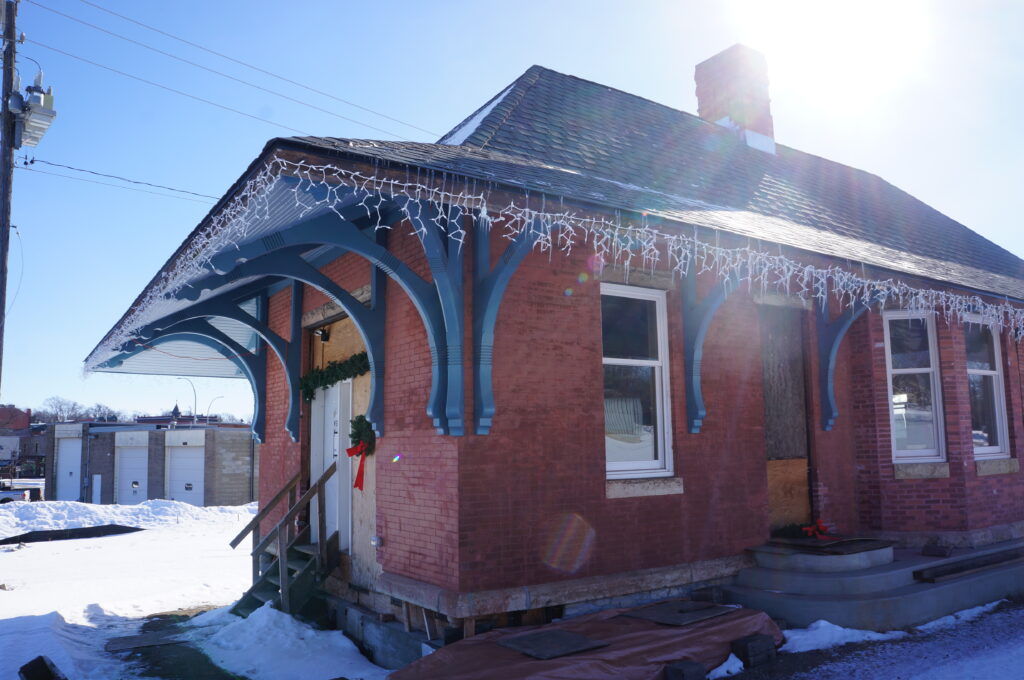
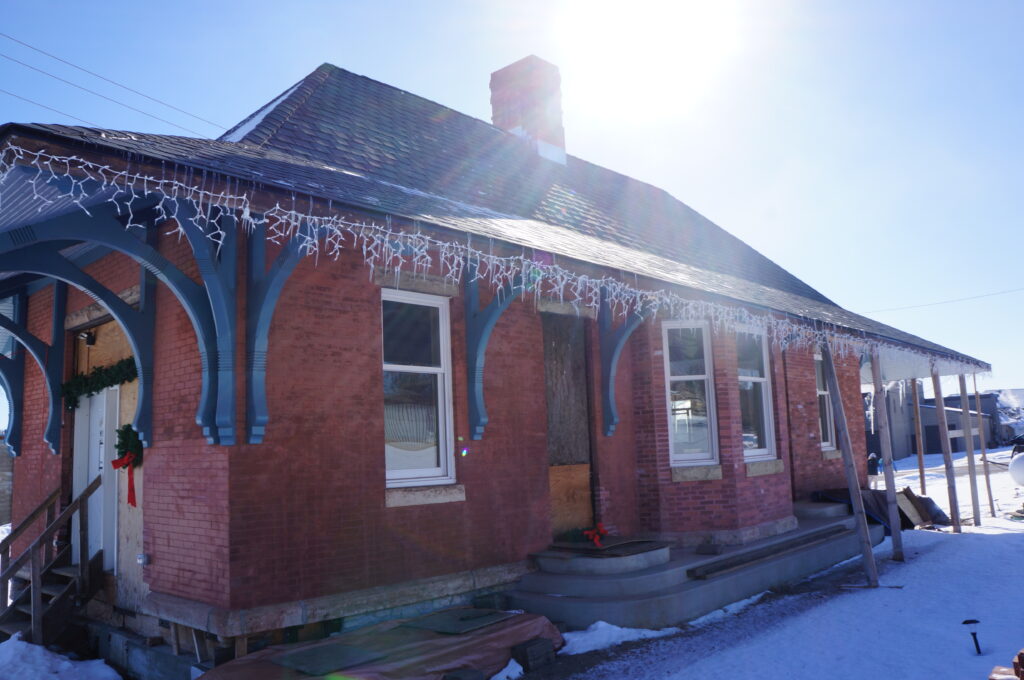
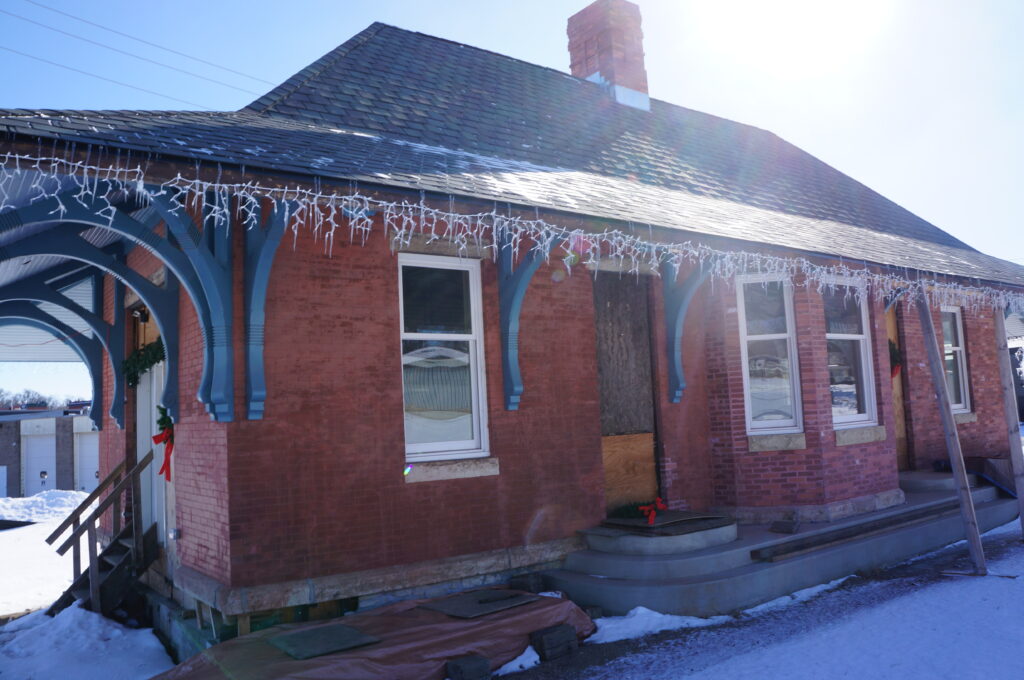
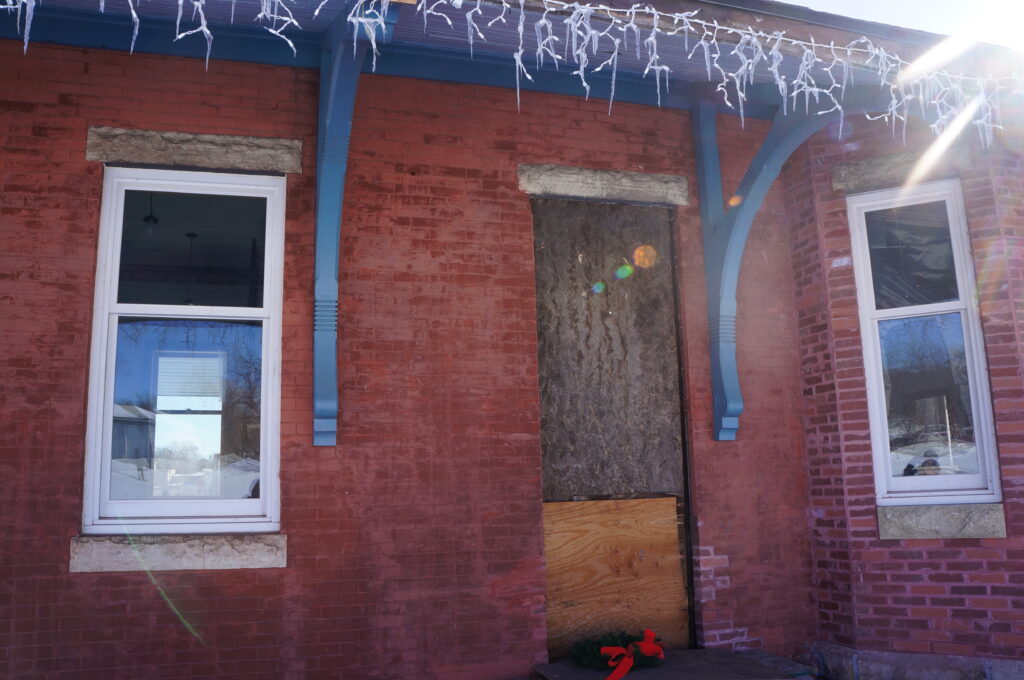
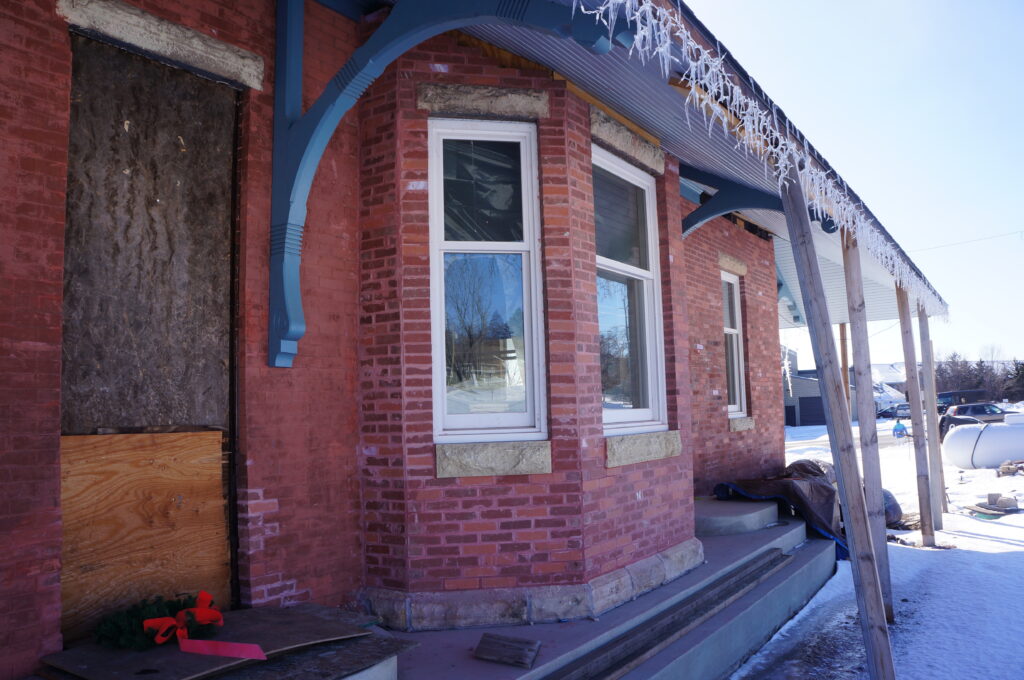
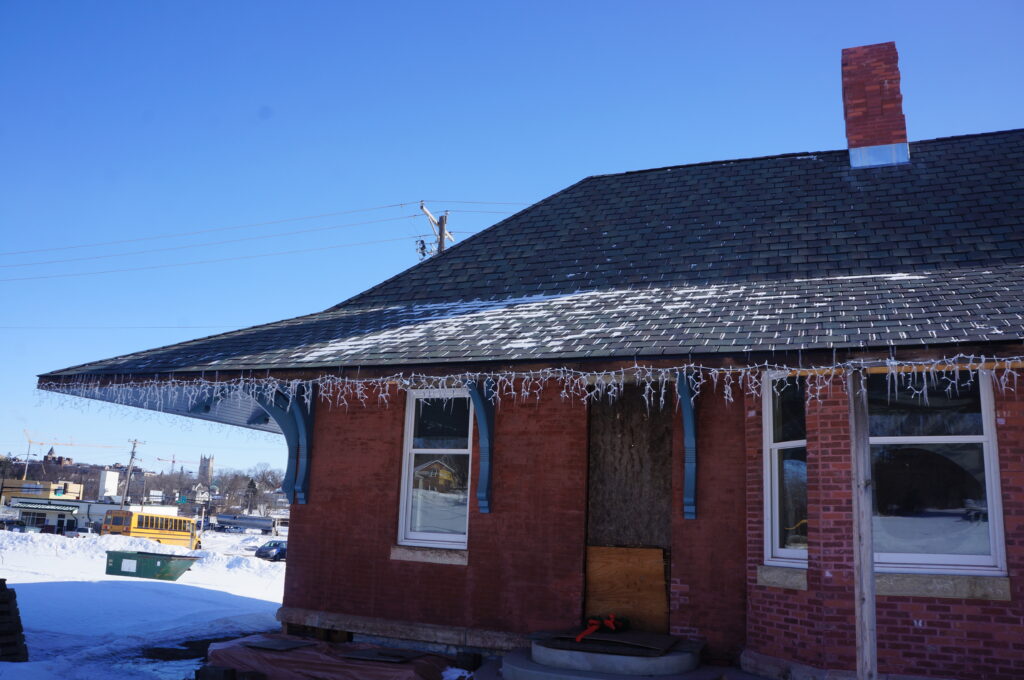
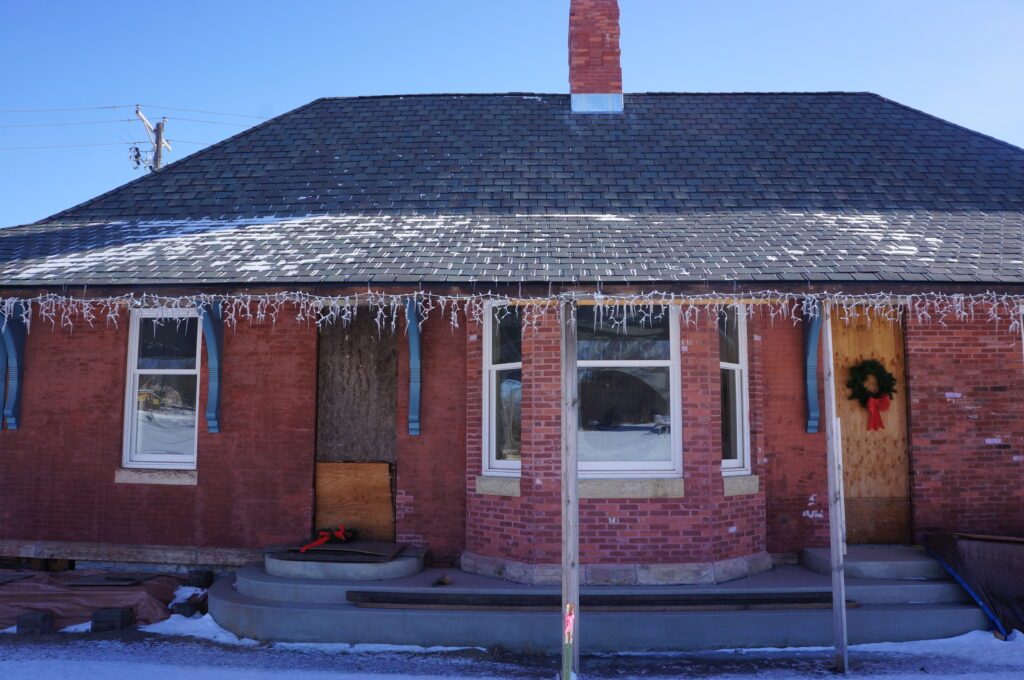
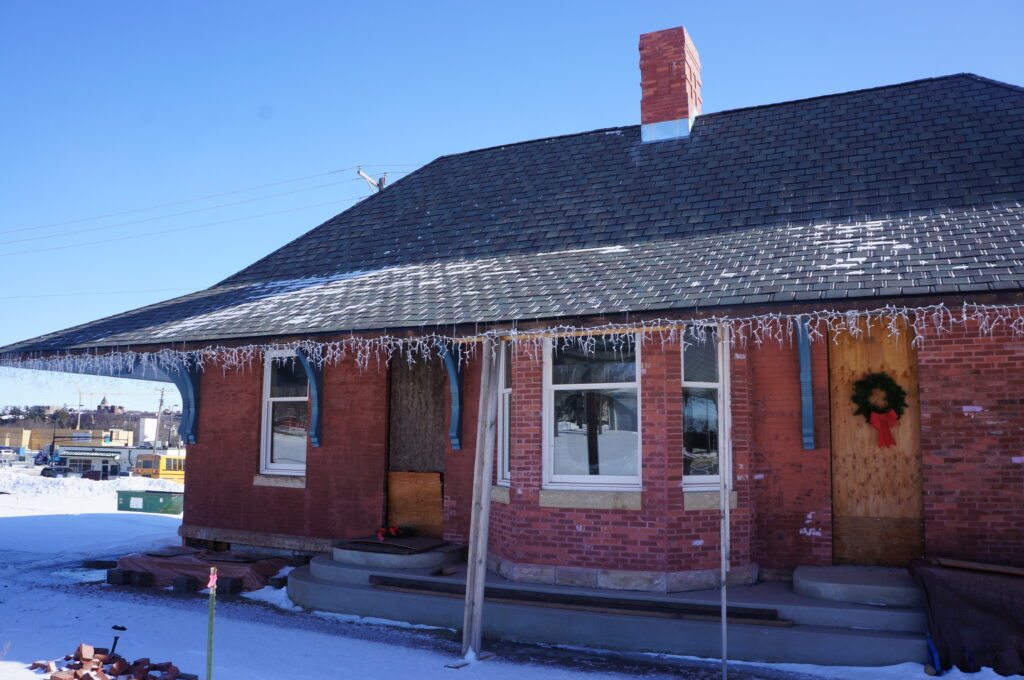
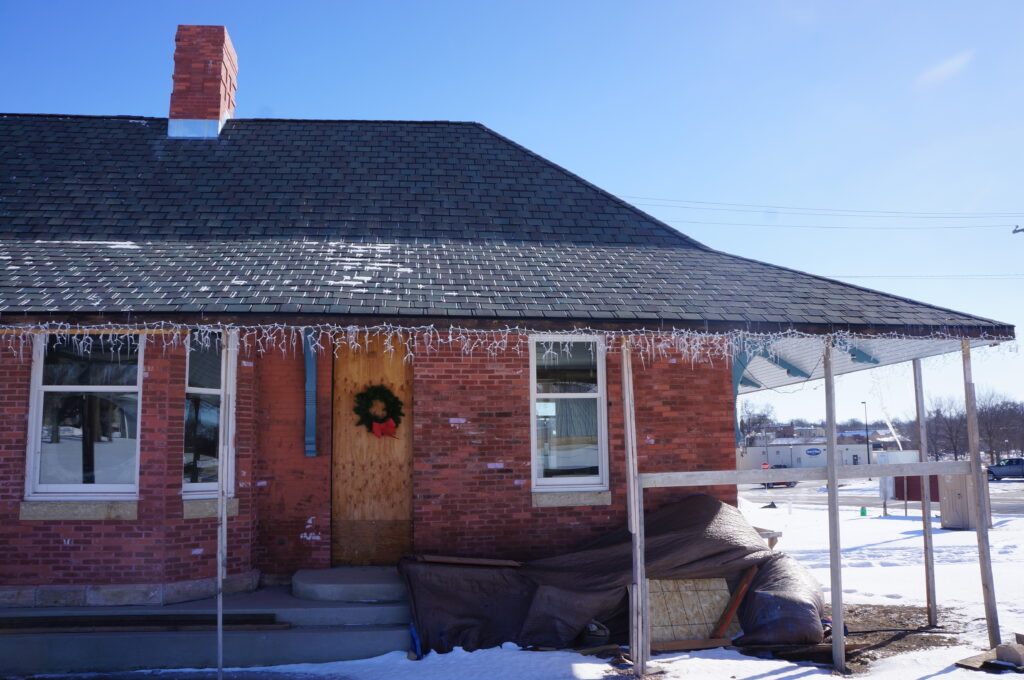
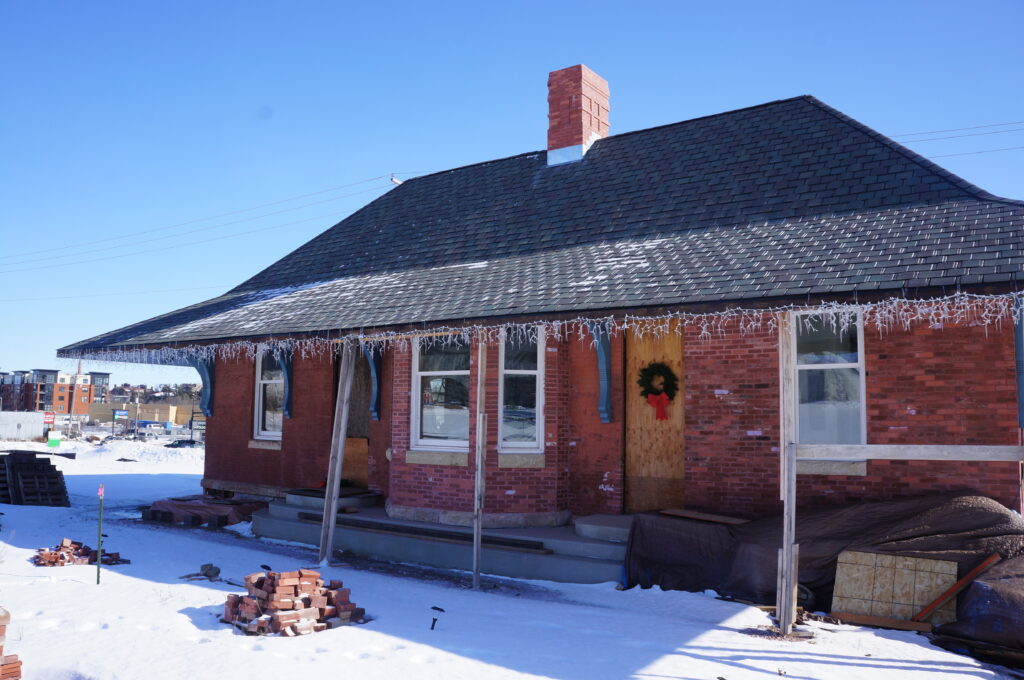
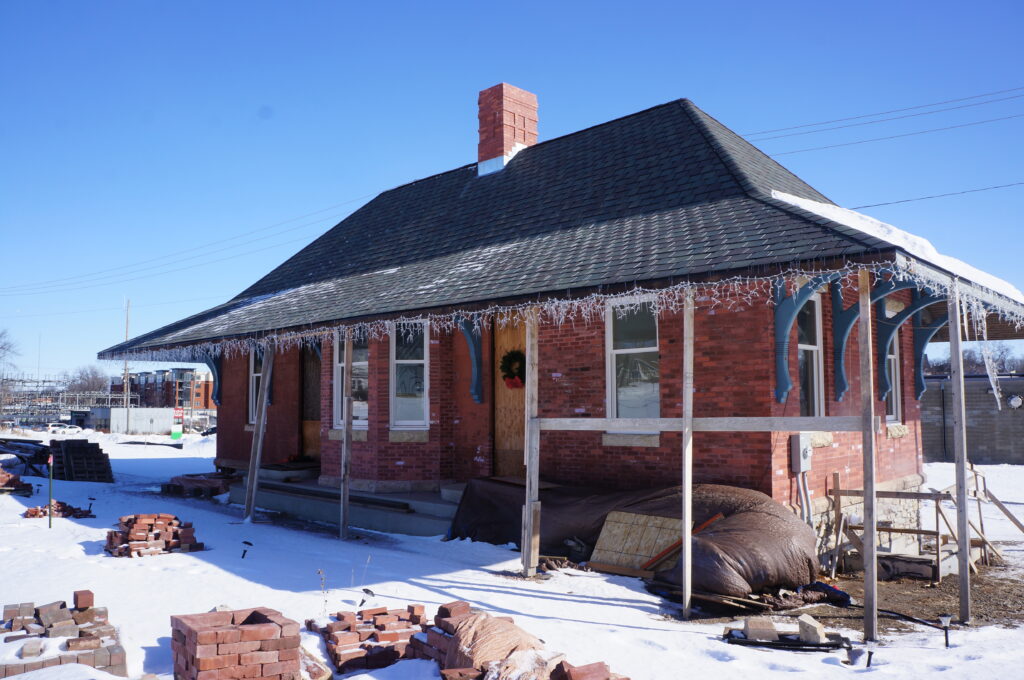
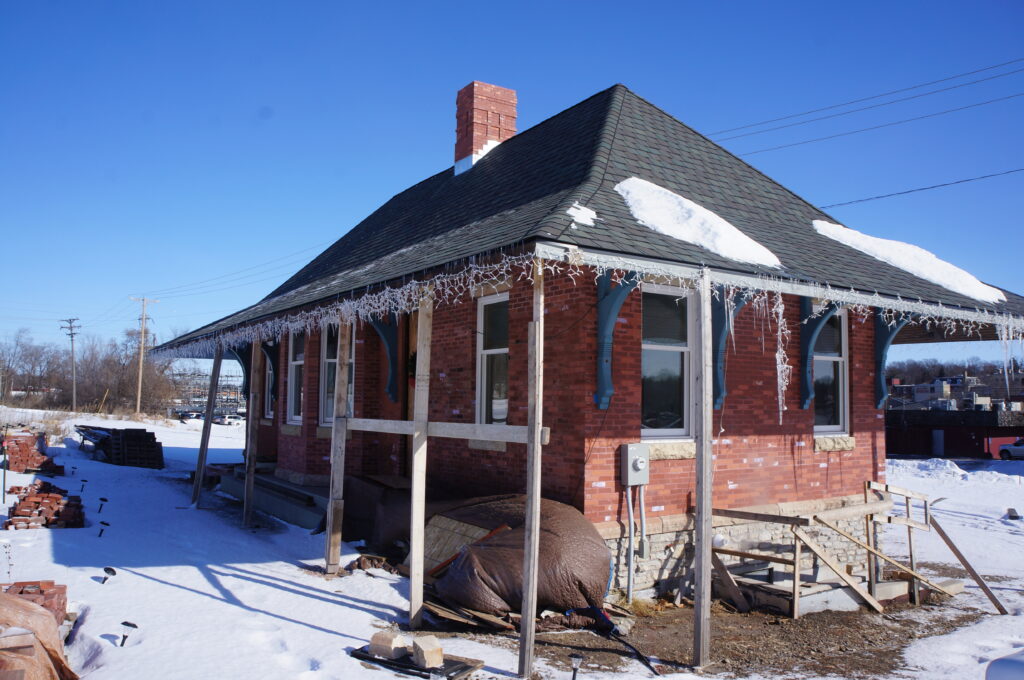
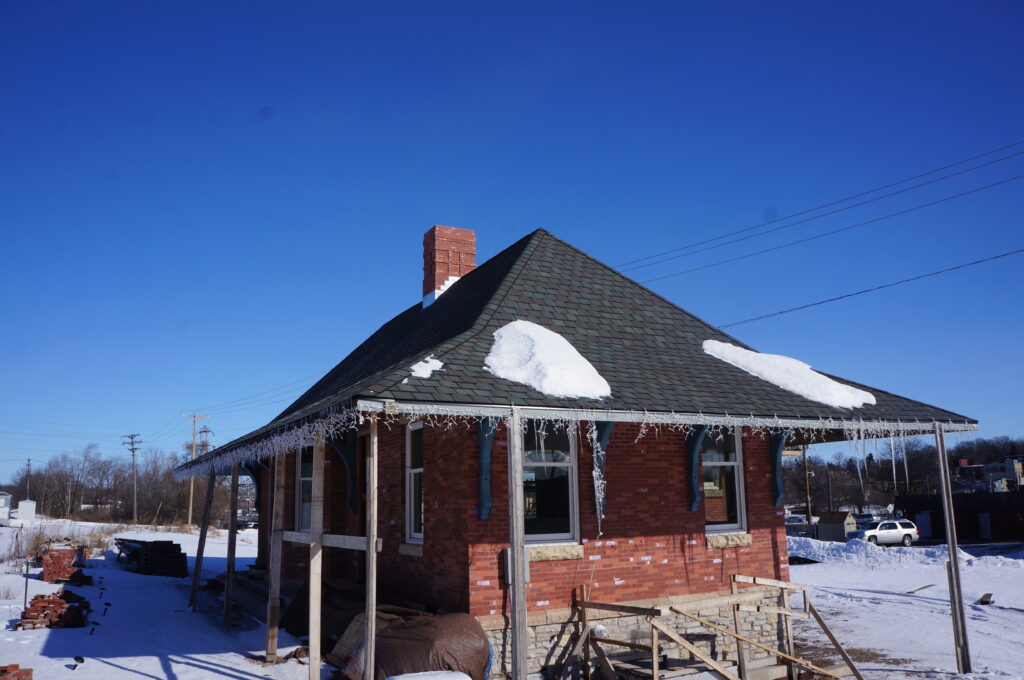
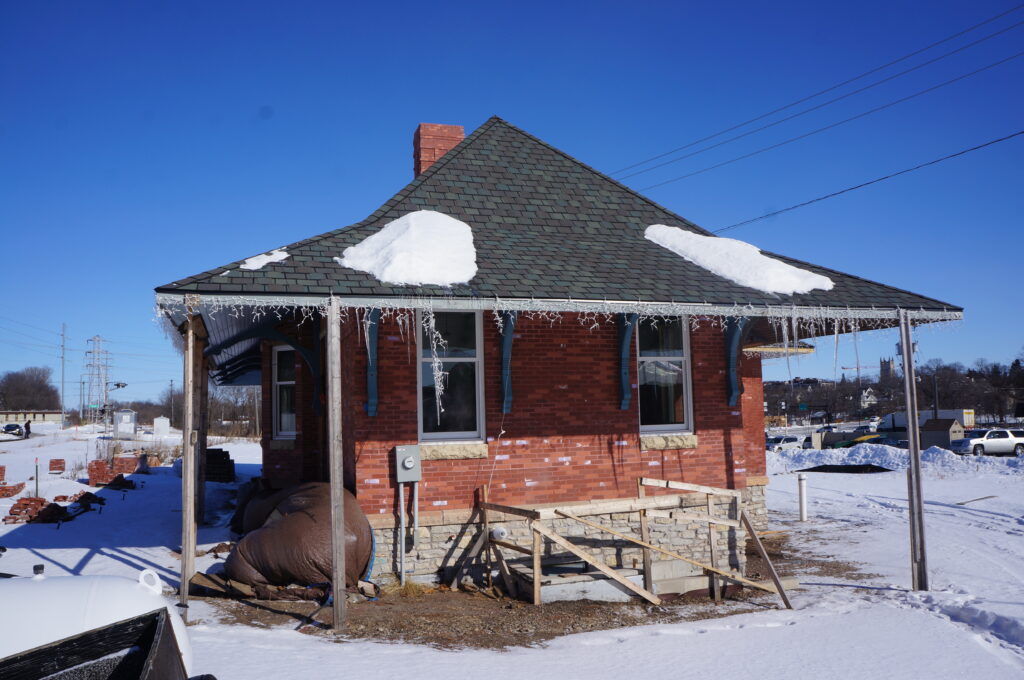
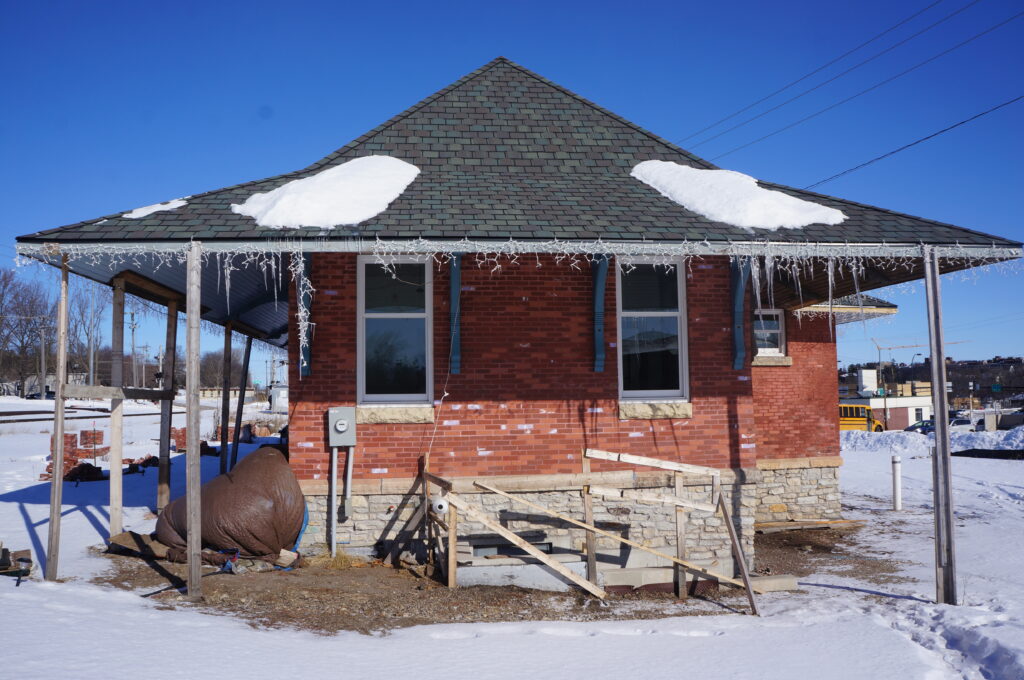
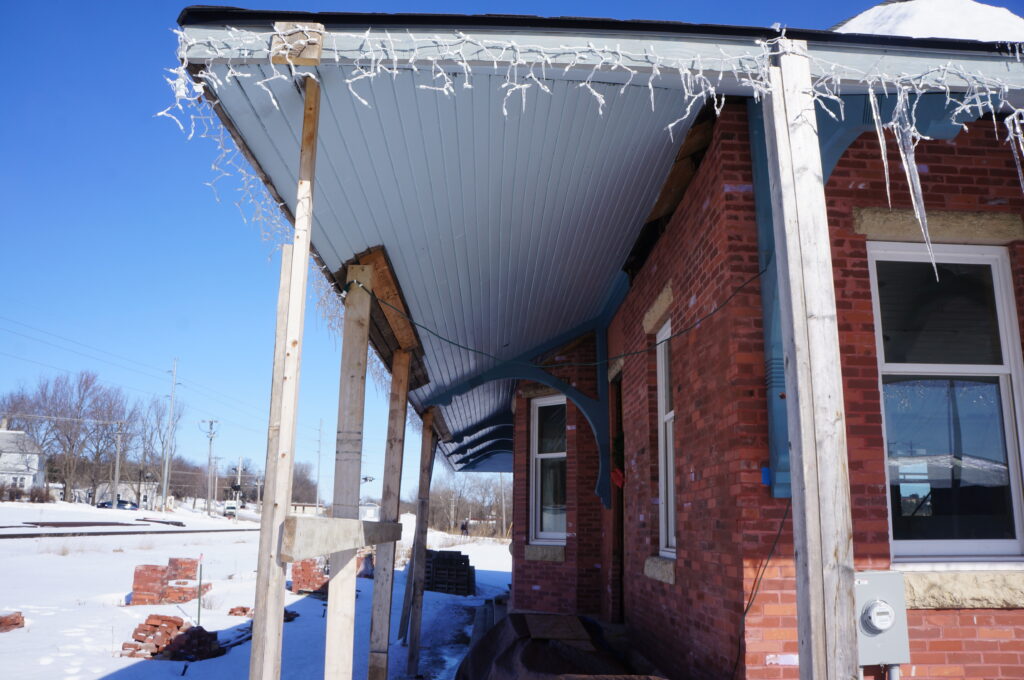
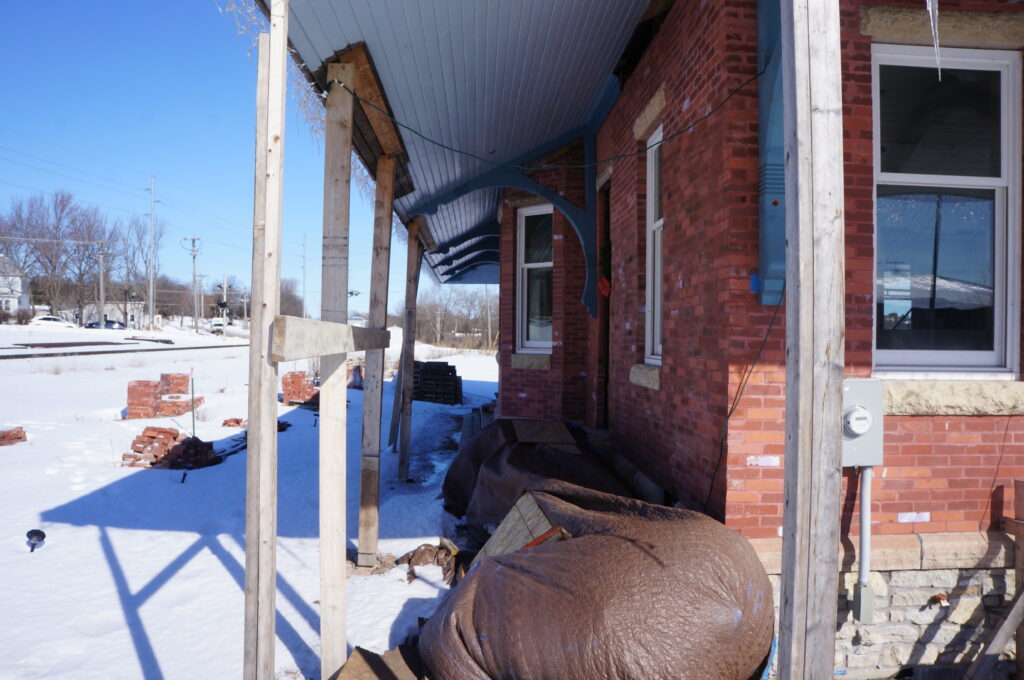
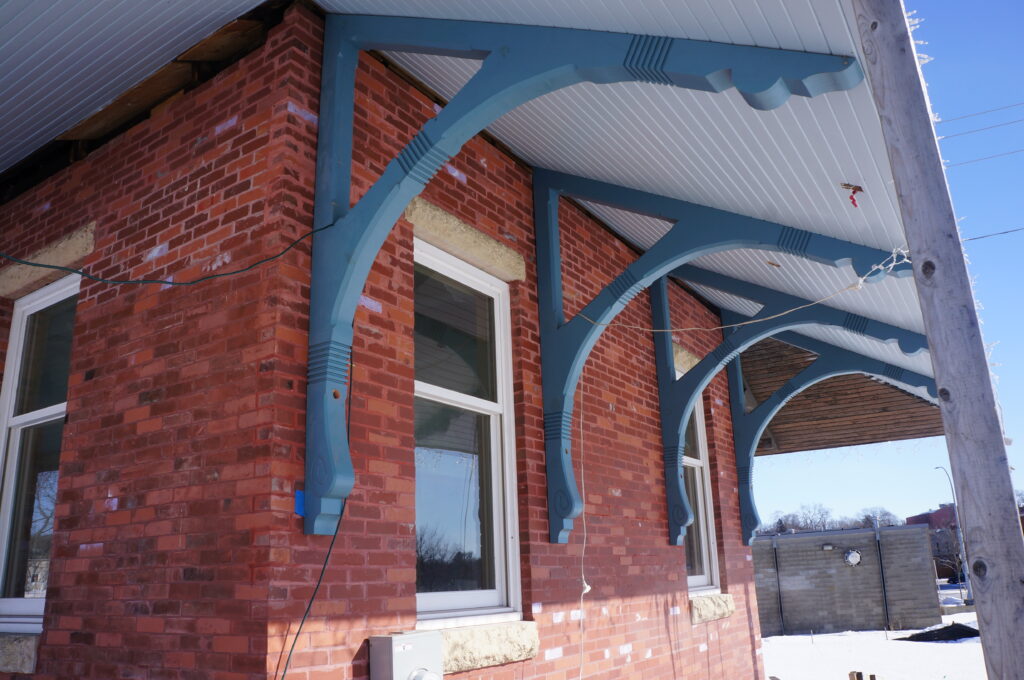
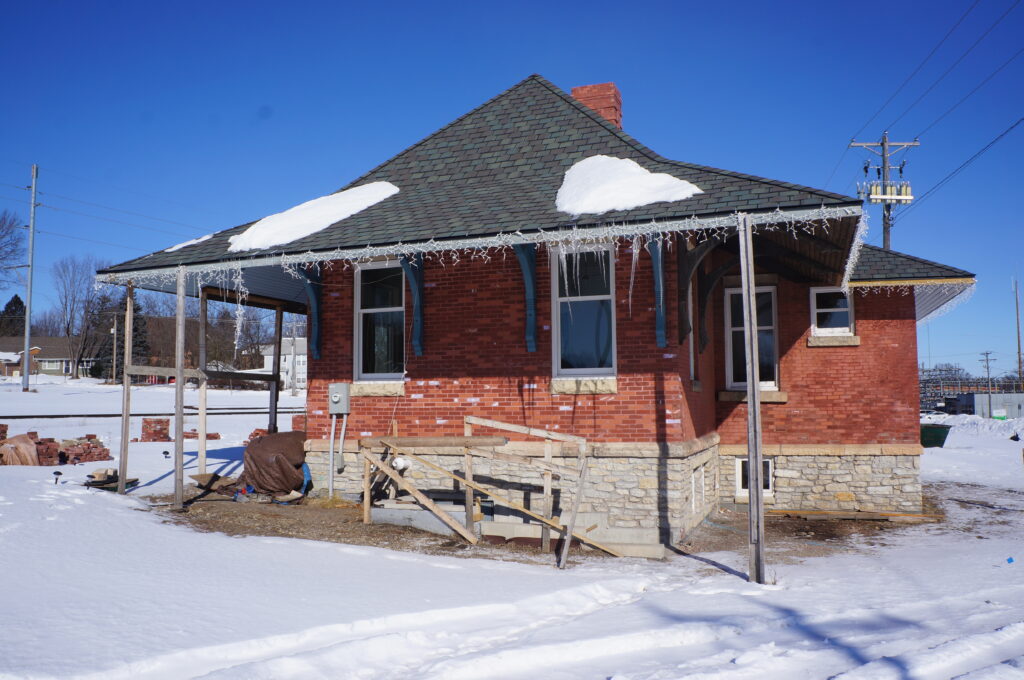
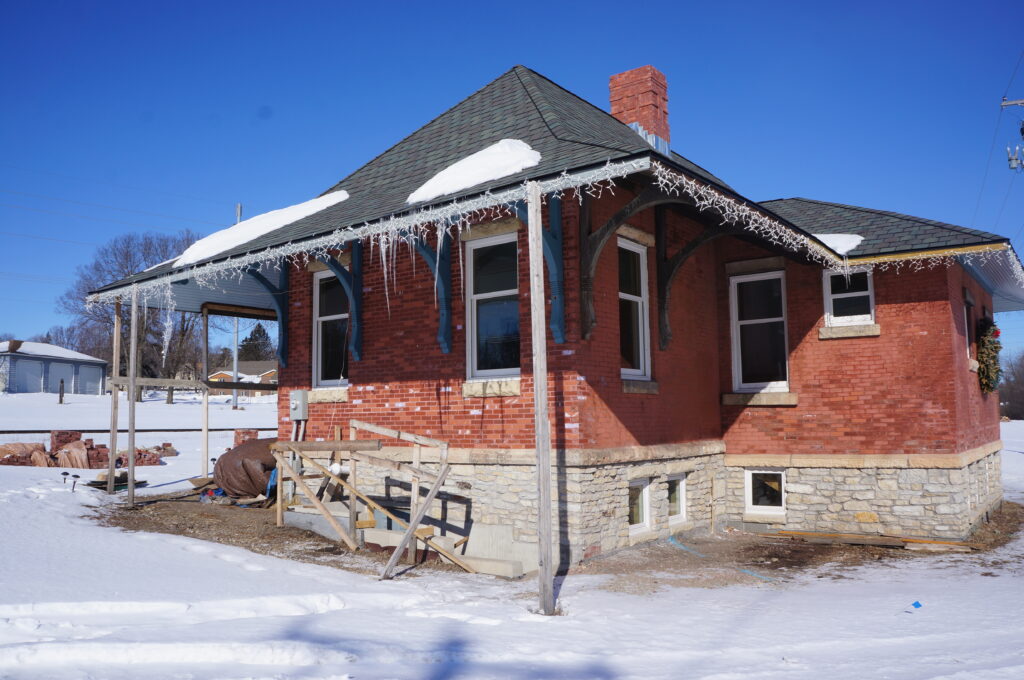
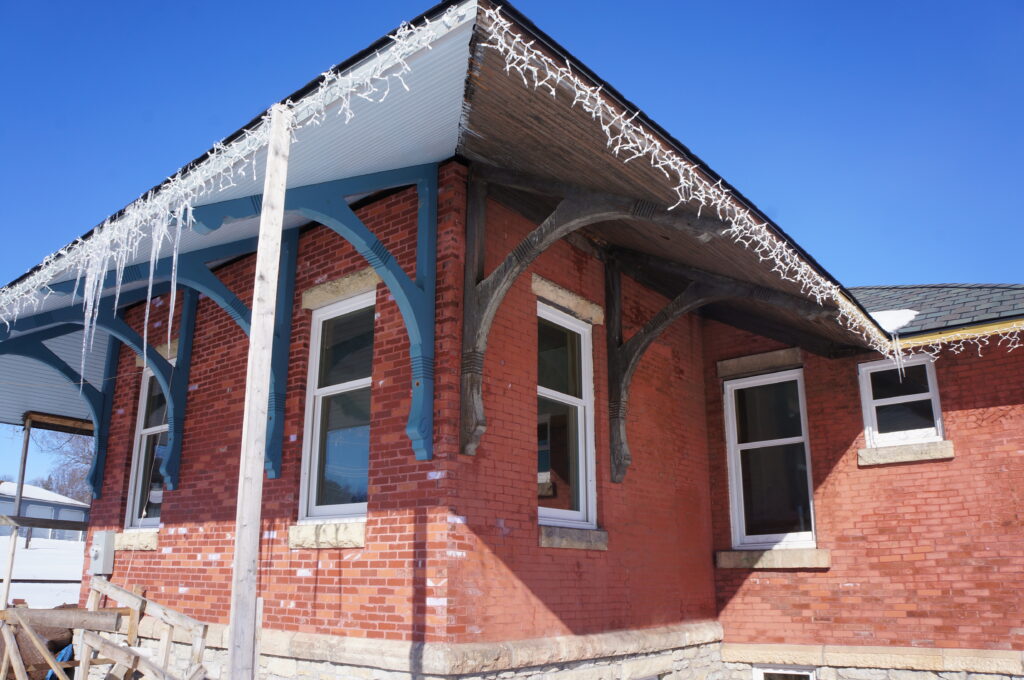
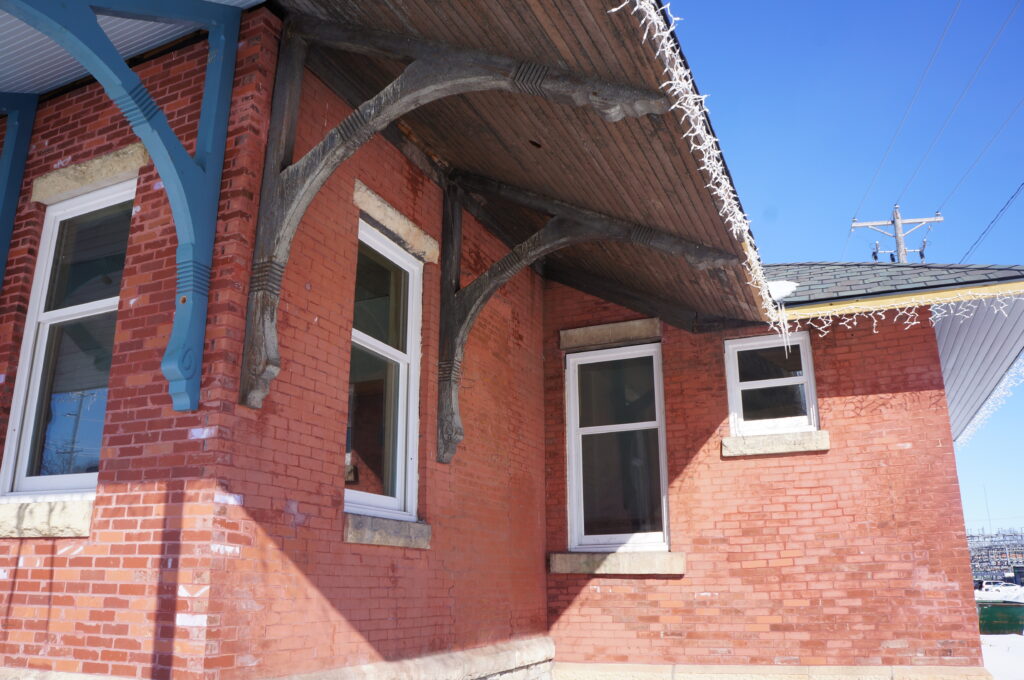
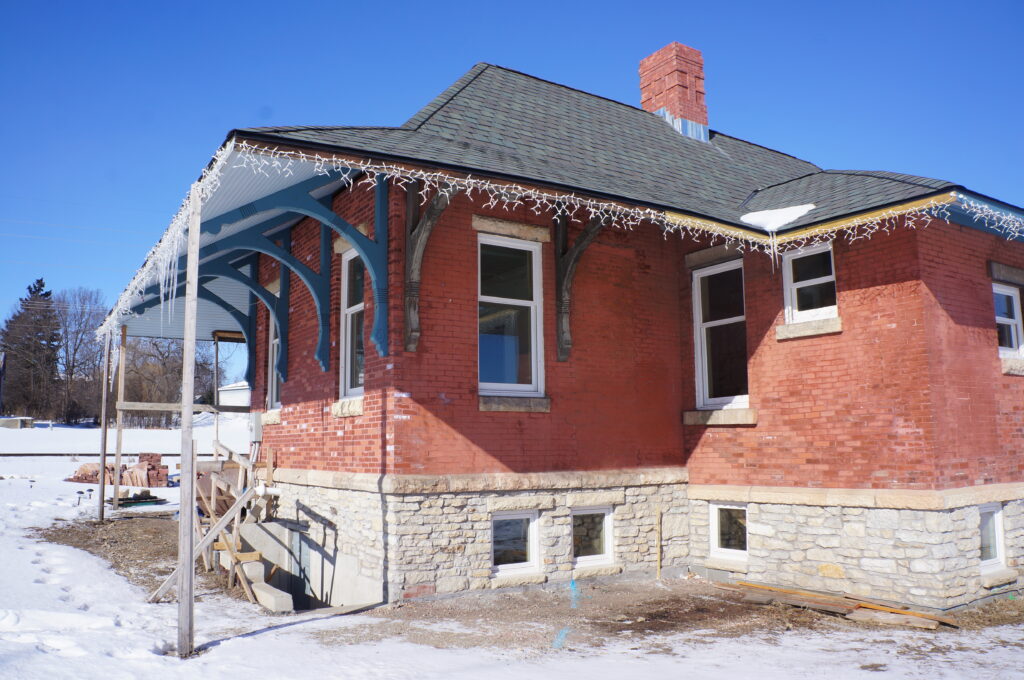
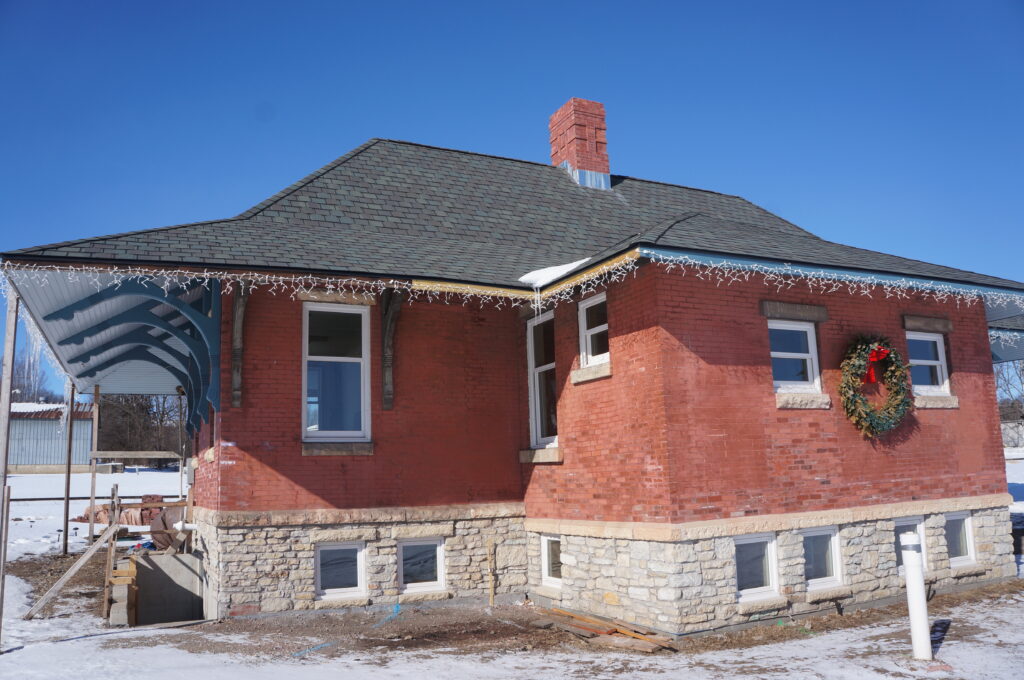
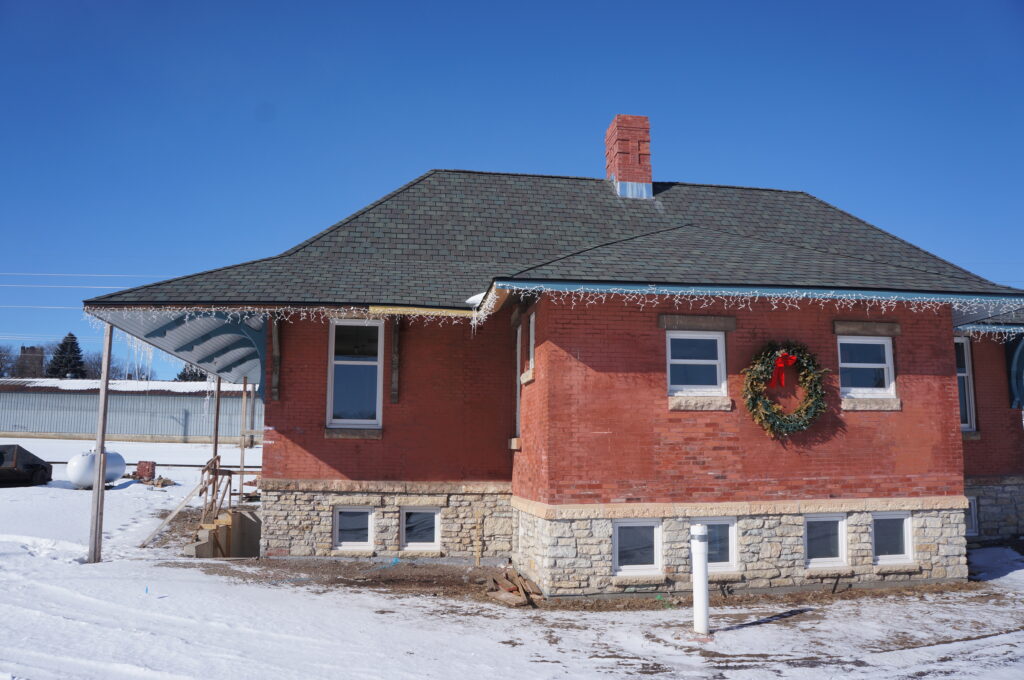
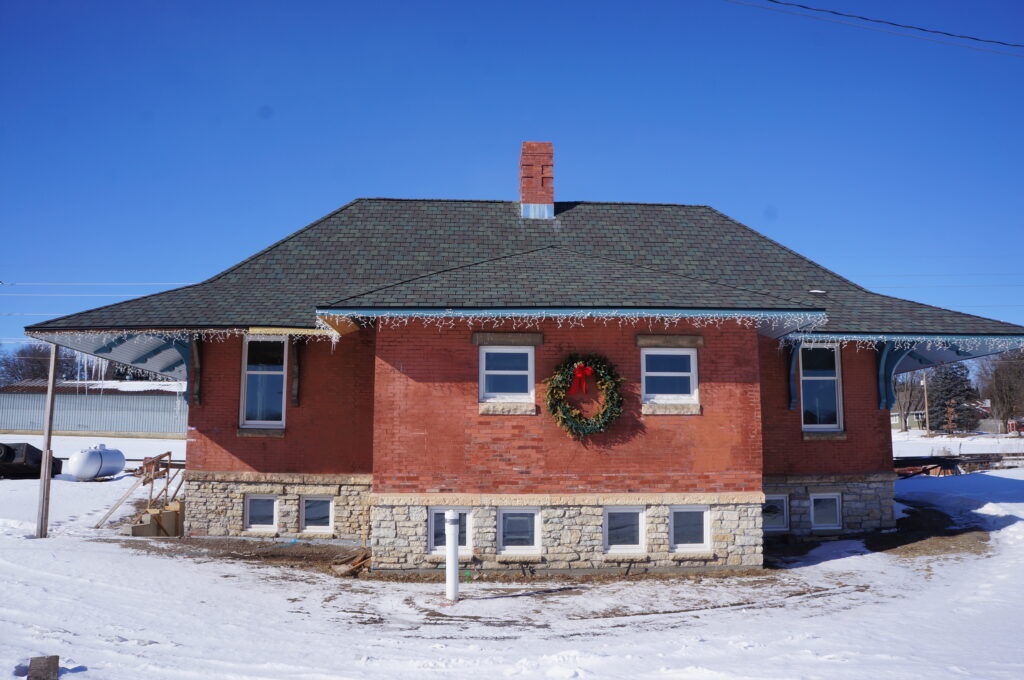
- I started by importing 44 photos of the Northfield Depot into Agisoft Metashape. These were taken by Austin Mason.
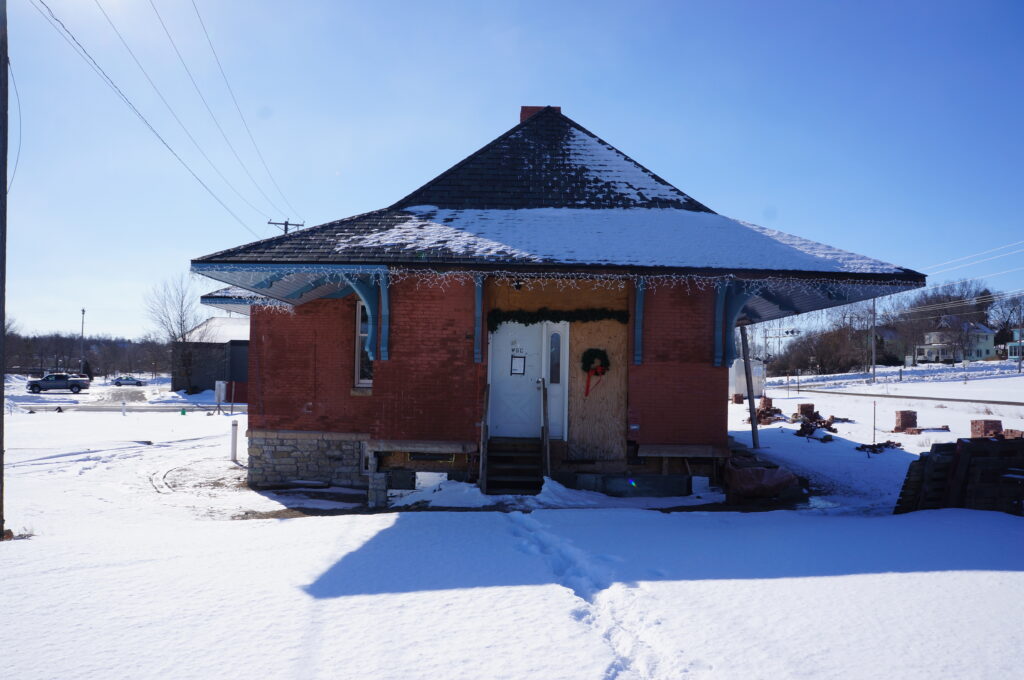
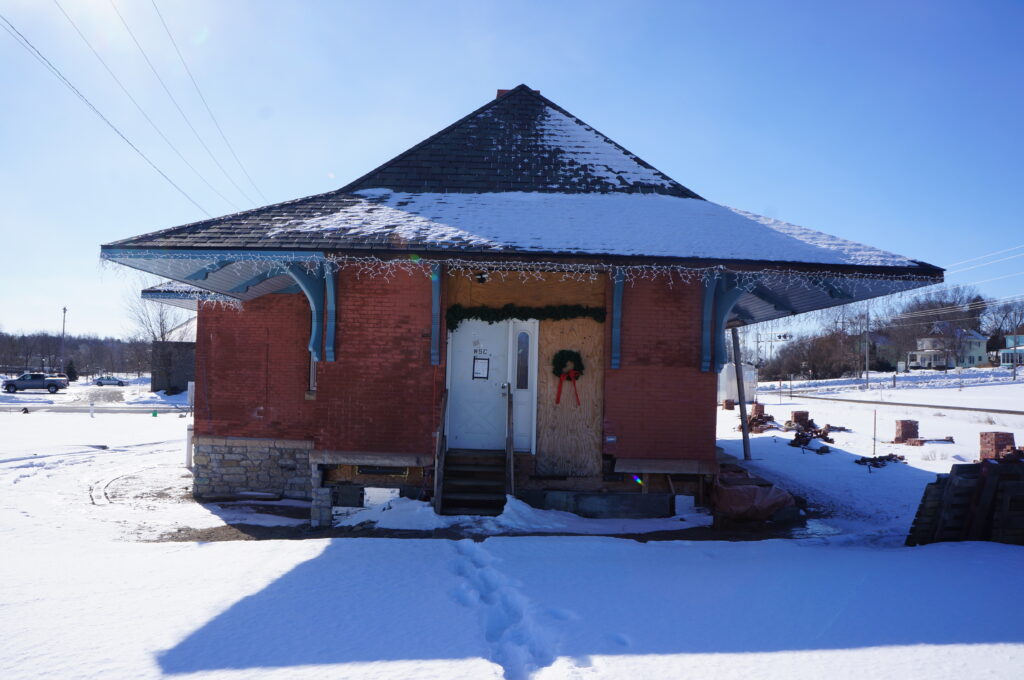
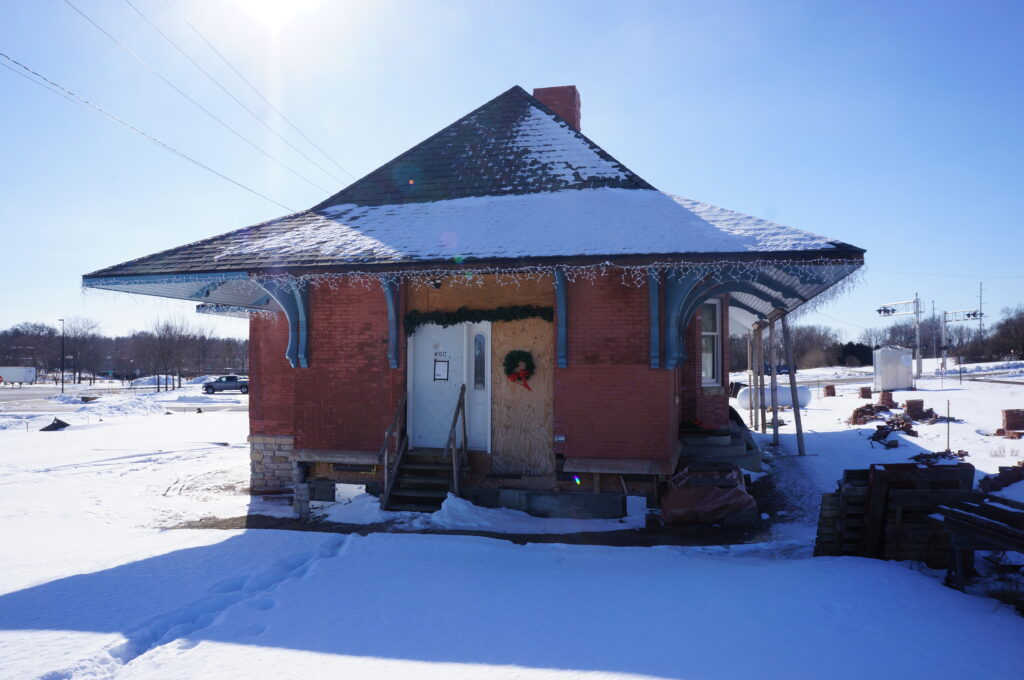
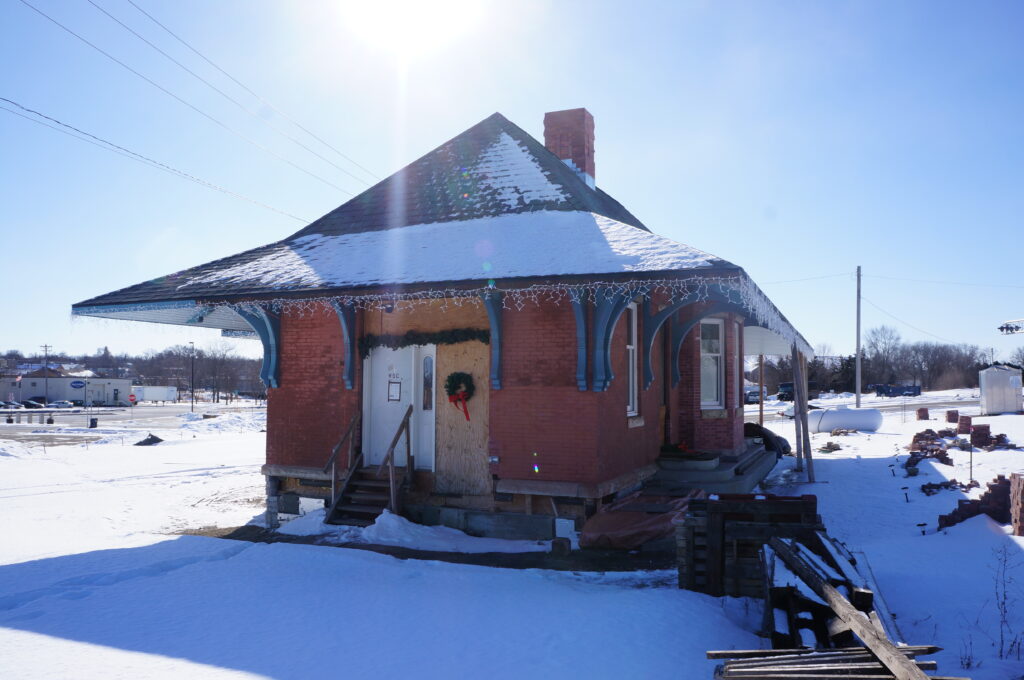
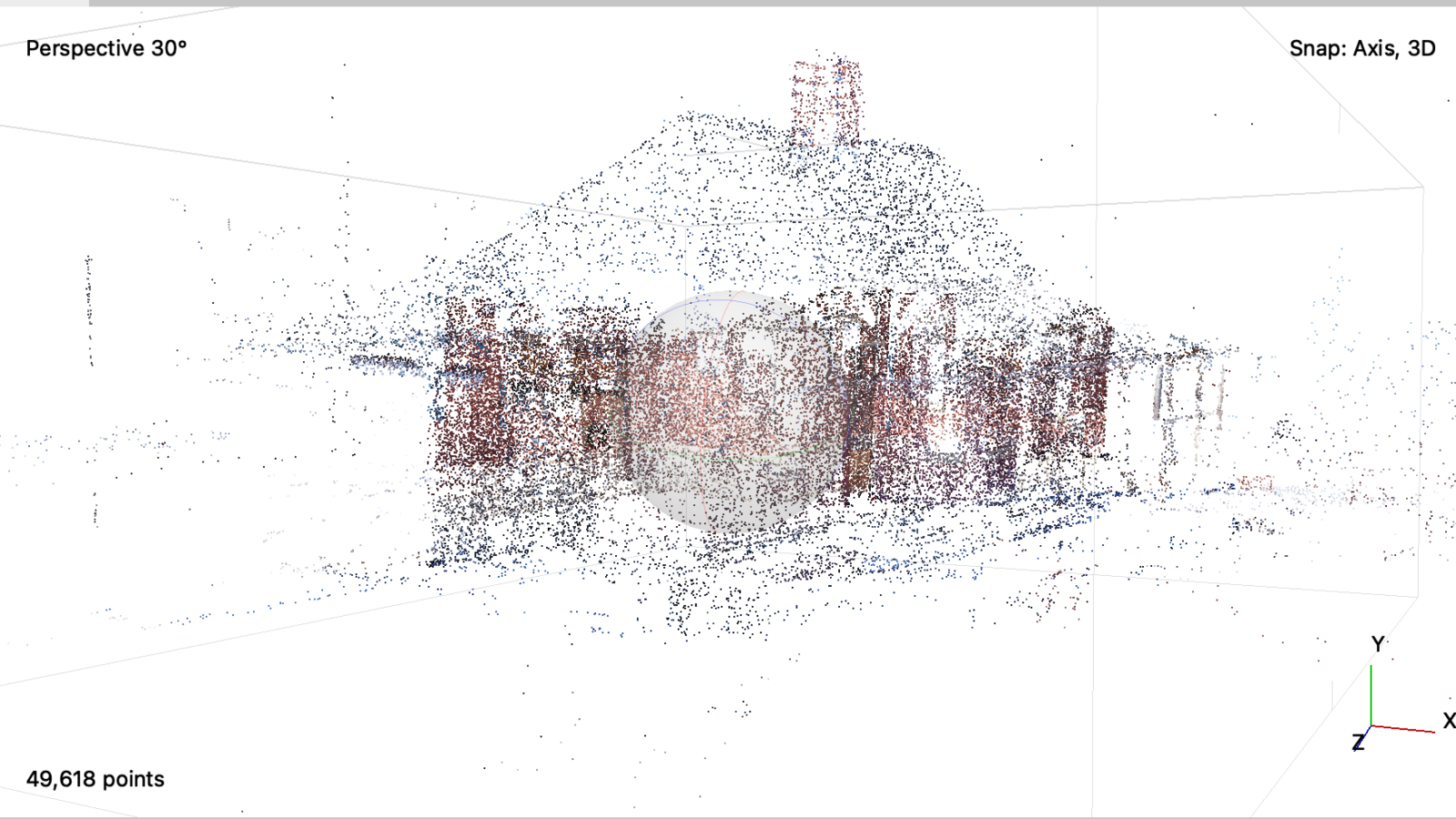
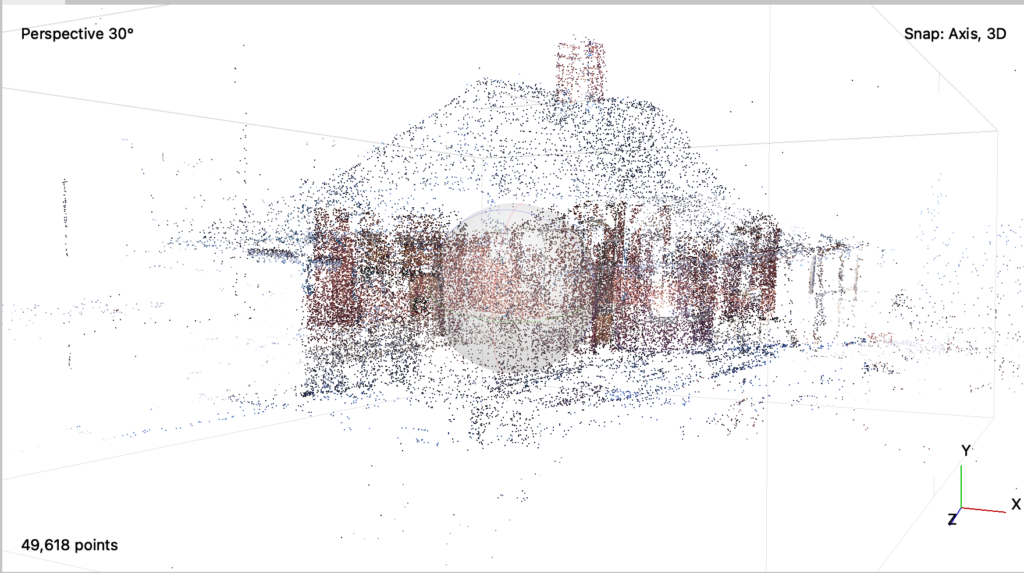
2. After the photos are aligned, a “point cloud” is produced:
3. From the point cloud, I could make a dense cloud that filled in the gaps from the previous render:
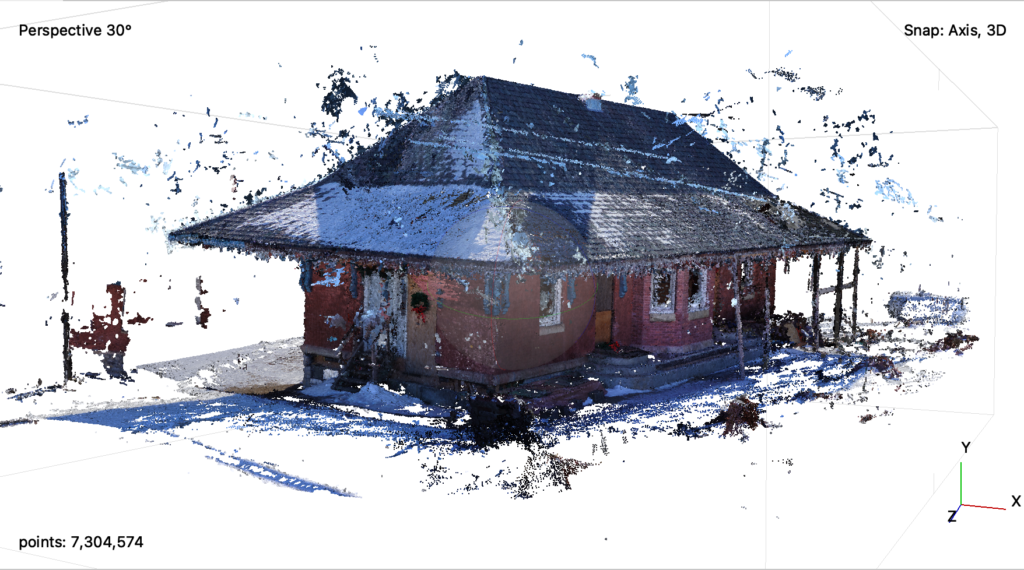
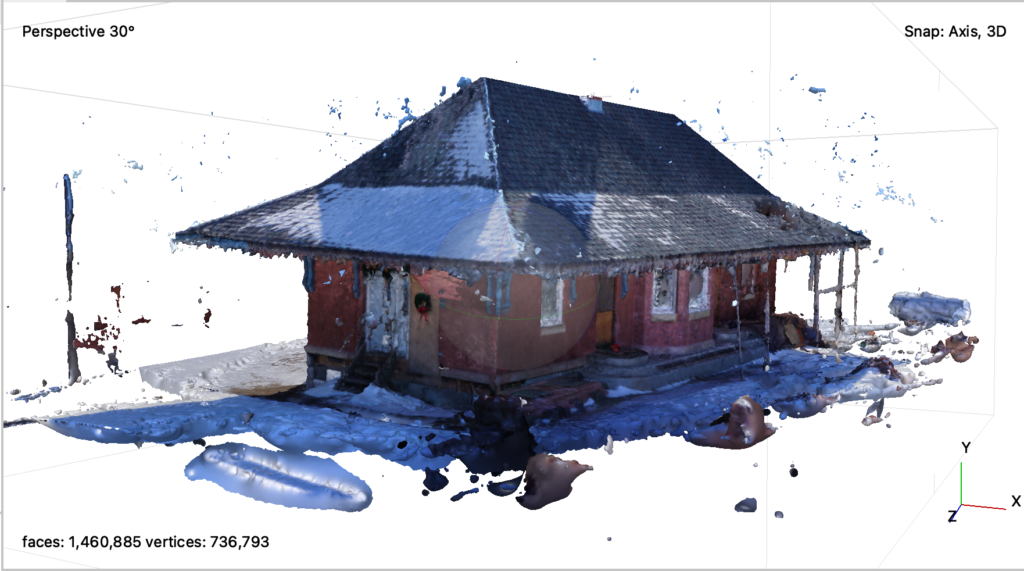
4. Afterwards, I built a mesh cloud which further solidified the model
5. Lastly, I built a textured and tile model to polish up the model:
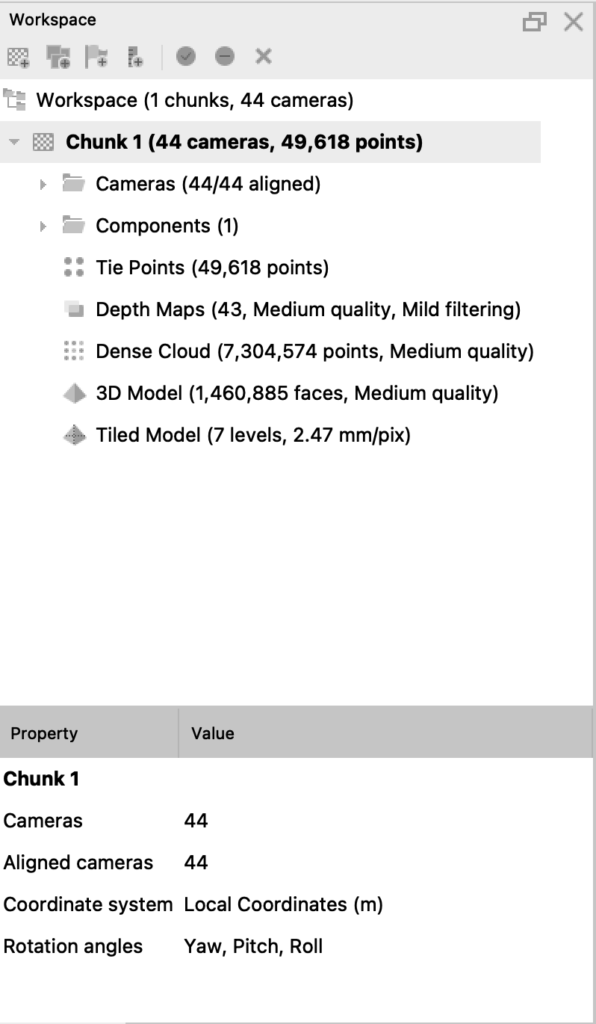
Here’s what my workspace menu looked like:
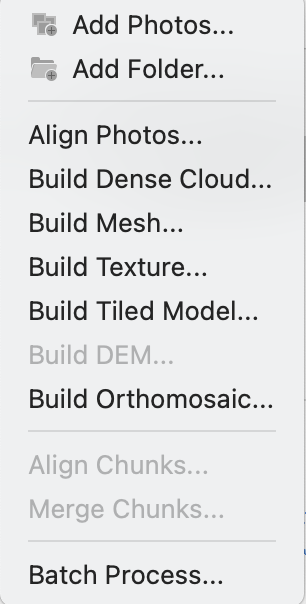
Here’s a picture of my workflow menu:
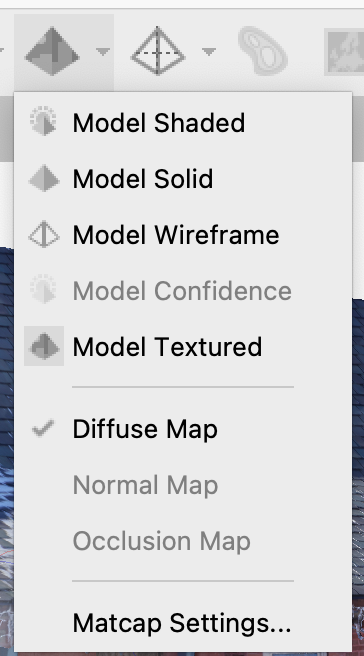
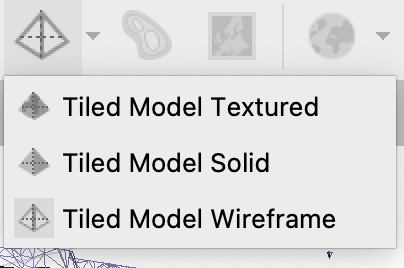
When the renders were all complete, I could change my view of what exact version of the model I wanted to see. Here are the menus for that: